


How to check a used car before buying - and how an AI agent does it
Seven things to check in a listing before you schedule a viewing - using the BMW 3 Series as an example. And how to hand the whole job to an AI agent in 60 seconds.
The Polish used-car market is a minefield. From 47 AI reports we extracted 10 red flags that should immediately stop you before scheduling a viewing.
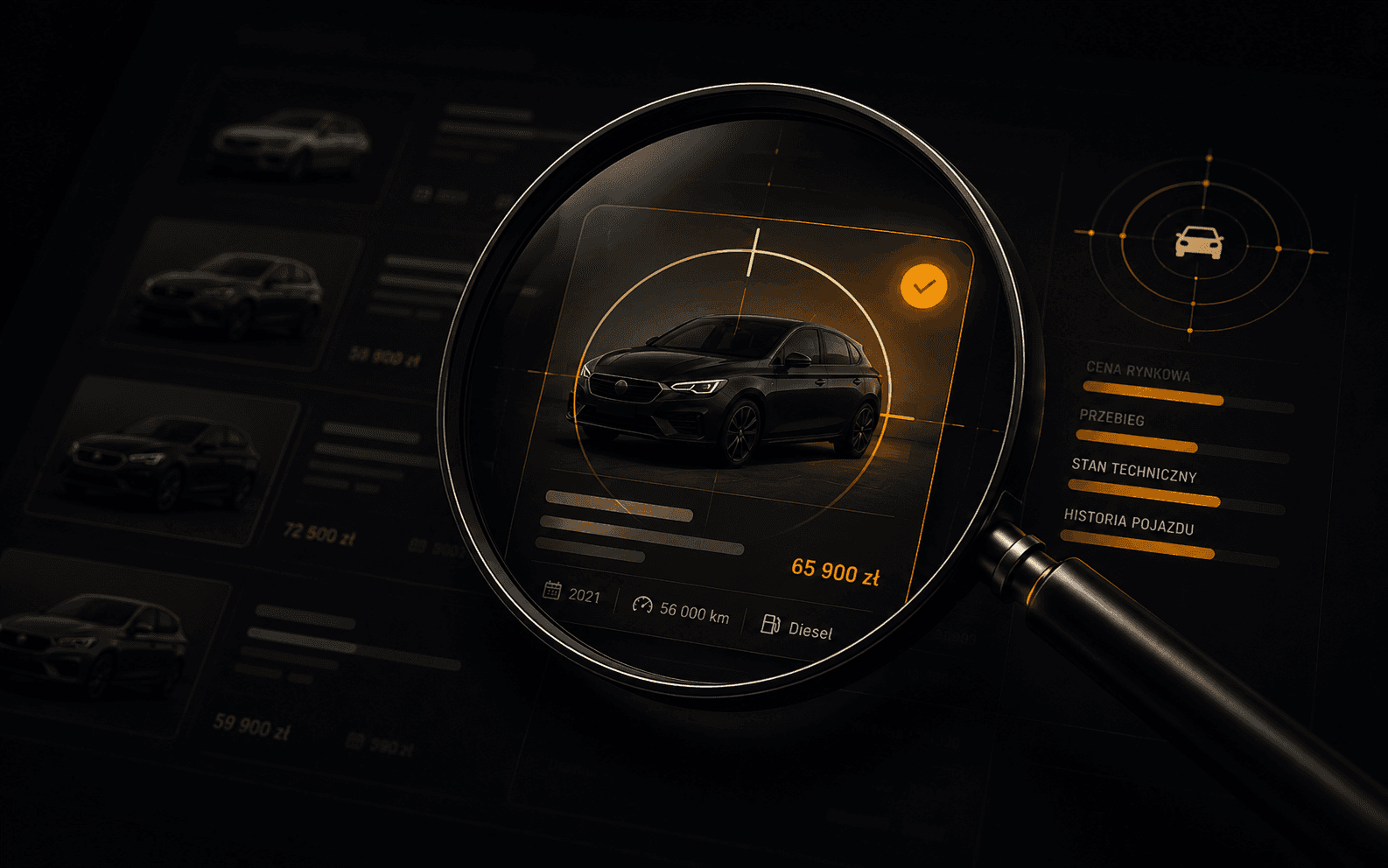
Autolert AI crunched thousands of listings over the past quarter, and the same pattern kept surfacing: 10 warning signals that show up in 73% of listings with serious problems. Learn them once and you'll filter out most of the rubbish before you've left the sofa. This list is your first line of defence.
The VIN is a 17-character vehicle identification number. Any seller confident in what they're selling will give it to you straight away - in the listing itself or on first request. A missing VIN doesn't always mean fraud, but in 73% of cases where Autolert flagged this as red, the listing had additional risk signals. If they won't share it, ask yourself why.
Ask for the VIN before any visit. Check the damage history, registration dates and mileage in CEPiK (the public database). It takes 5 minutes and costs nothing.
For a full VIN history - country of origin, thefts, foreign collisions, warranties - we recommend CarVertical (~€29 report). It's the tool we use in our own AI analyses.
There's an old saying in workshops: cheap cars are expensive. When a car sits 20% or more below the median for that model and year, something's off. The most common reasons: hidden damage, a technical fault, a seller who "needs to move it" before you find the problem - or the classic "deposit for a phantom car" scam.
Median isn't the same as average. A single luxury variant pulls the average up. Autolert works exclusively with the median because it holds its ground against statistical outliers.
Every seller has a smartphone. Every smartphone has a decent camera. When a listing has 5 photos from the same angle, all taken at dusk in a garage - the seller is hiding something. Paint repairs, rust, torn upholstery - all of these show up in daylight from different angles.
The photo analysis feature in Autolert AI automatically detects: paint repair traces, colour inconsistencies between panels, unusual reflections (possible filler) and repeated shots. It works from the third second of a report.
Account created "2 days ago", no other listings, no reviews. This isn't always a scammer - it might be someone selling their one and only car. But stack this with other flags on this list and the probability of problems rises to close to 90%.
"From Germany", "from the US", "freshly imported". Sounds good on paper. A car is only as honest as its paperwork - so ask for the documents: EU purchase invoice, Fahrzeugbrief, contract, customs clearance document, proof of excise duty payment. Each of these documents MUST exist. The absence of any one is a red flag.
Any single flag on its own doesn't mean fraud. Three or more at once - that's when you stop, skip the viewing, and move on. Autolert calculates this automatically for any listing you paste in, in 60 seconds.
It's not about paranoia. It's about not wasting your time and money on cars that are already clearly not worth your attention.
- Krzysztof M., 31, first car bought with Autolert
Next time you spot a listing that gives you pause - paste the link in. AI checks all 10 flags automatically and tells you: worth viewing or not.
Seven things to check in a listing before you schedule a viewing - using the BMW 3 Series as an example. And how to hand the whole job to an AI agent in 60 seconds.
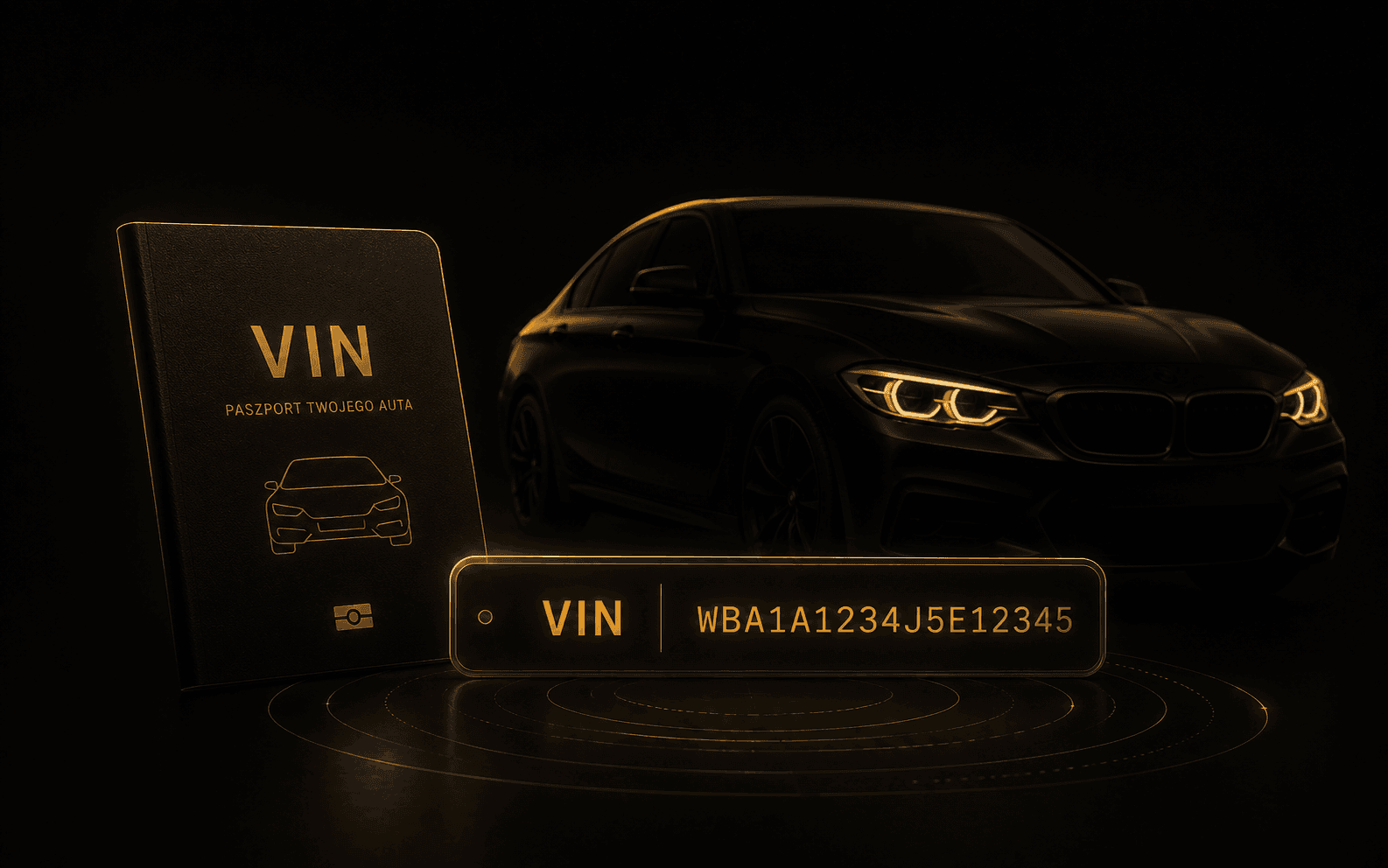
VIN is 17 characters that tell the full story of a car. We explain what each section means, where to find it and how to check a car for free before buying.

What breaks on BMW E90 and F30, how much repairs cost and how to inspect a used example. Fault list with prices and a pre-purchase checklist - straight talk.